Log in to Corporate Internet Banking for the first time


The first step

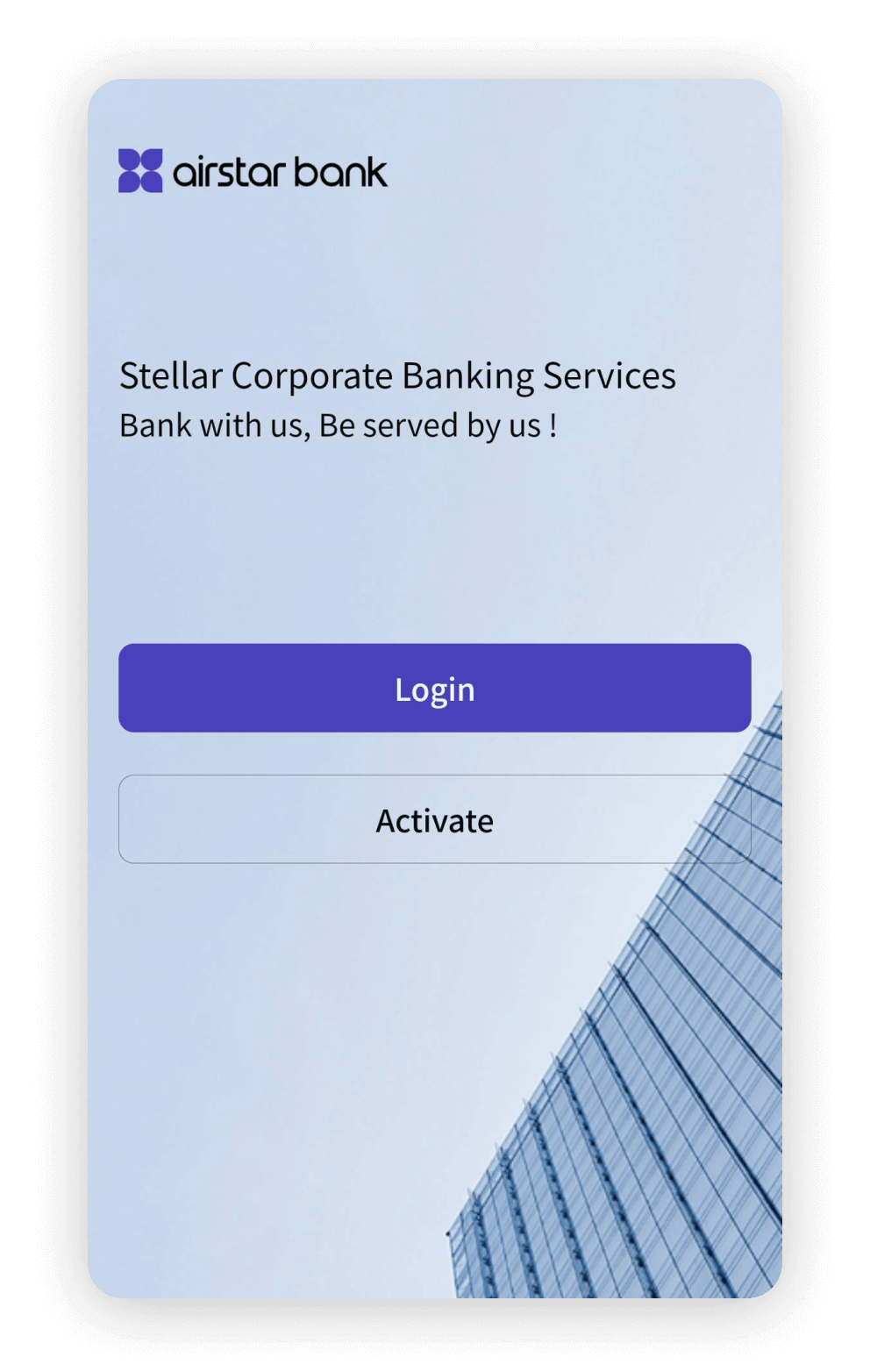
Open the Airstar Bank Corporate soft token and enter the Group ID, User's Name, login password and verification code to login


The second step

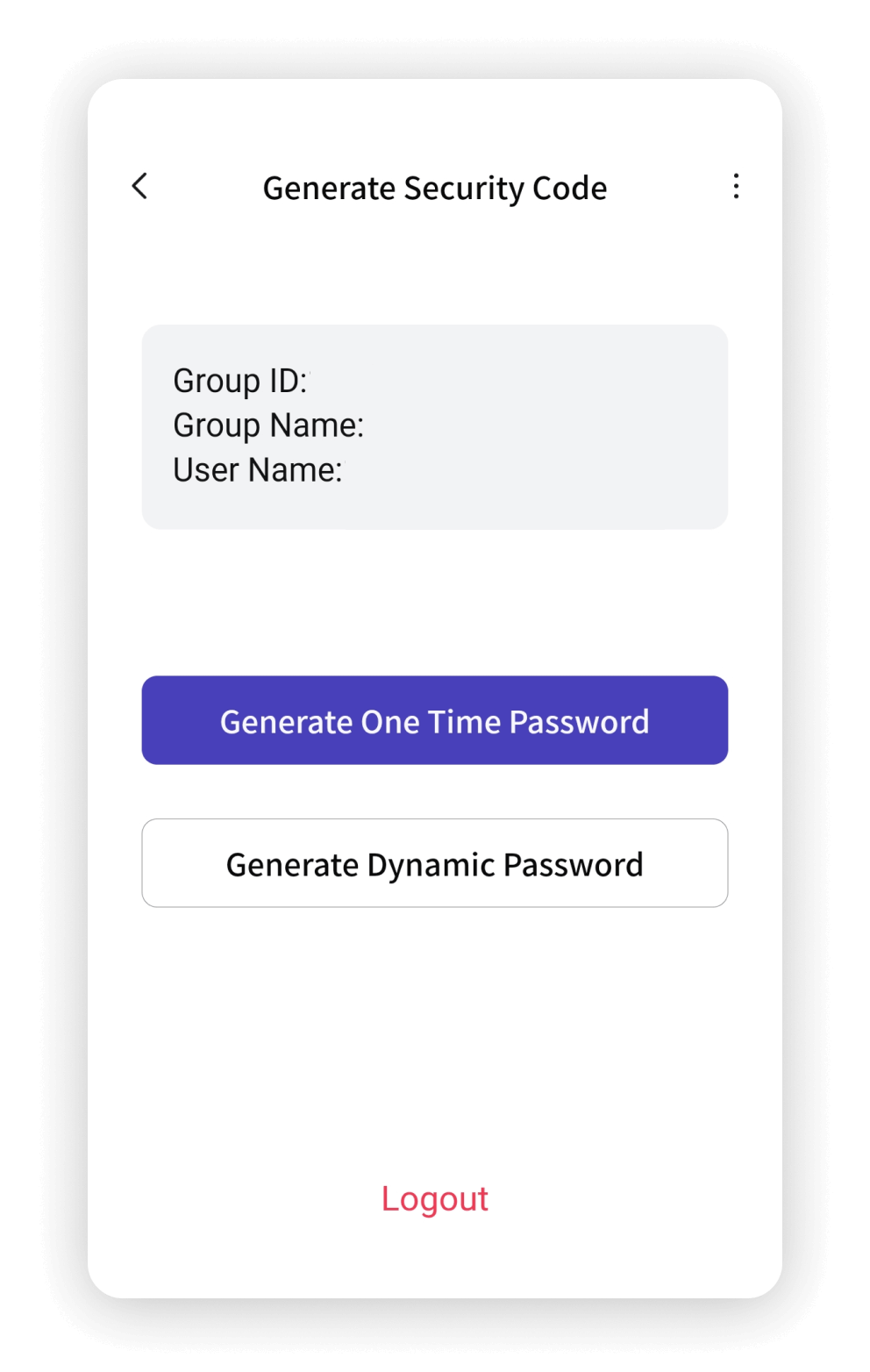
Click "Generate One Time Password"


The third step

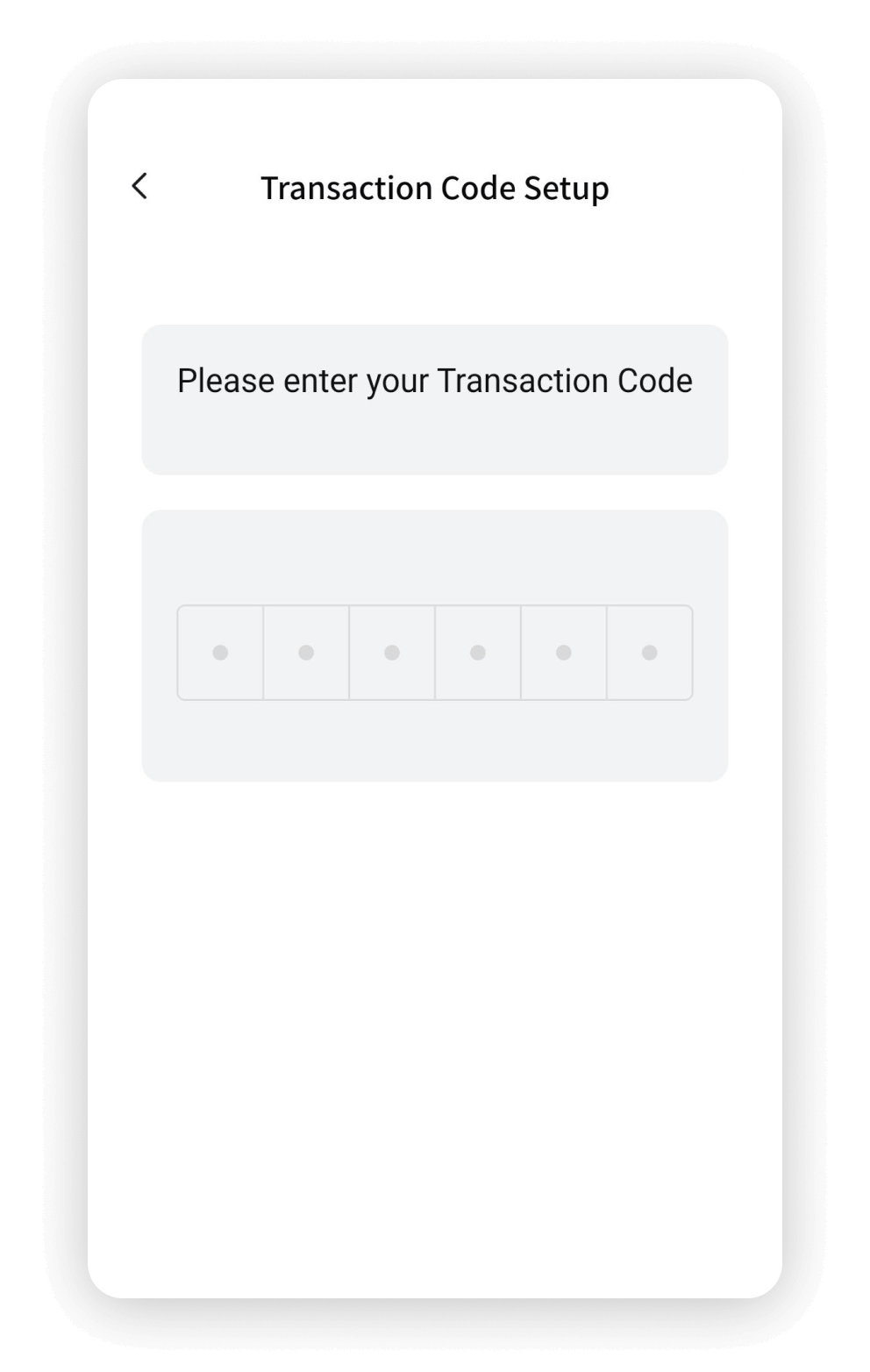
Enter the transaction password


The fourth step

Generate a six-digit one-time password for Corporate Internet Banking login. The password is valid once per login


Log in to Corporate Internet Banking
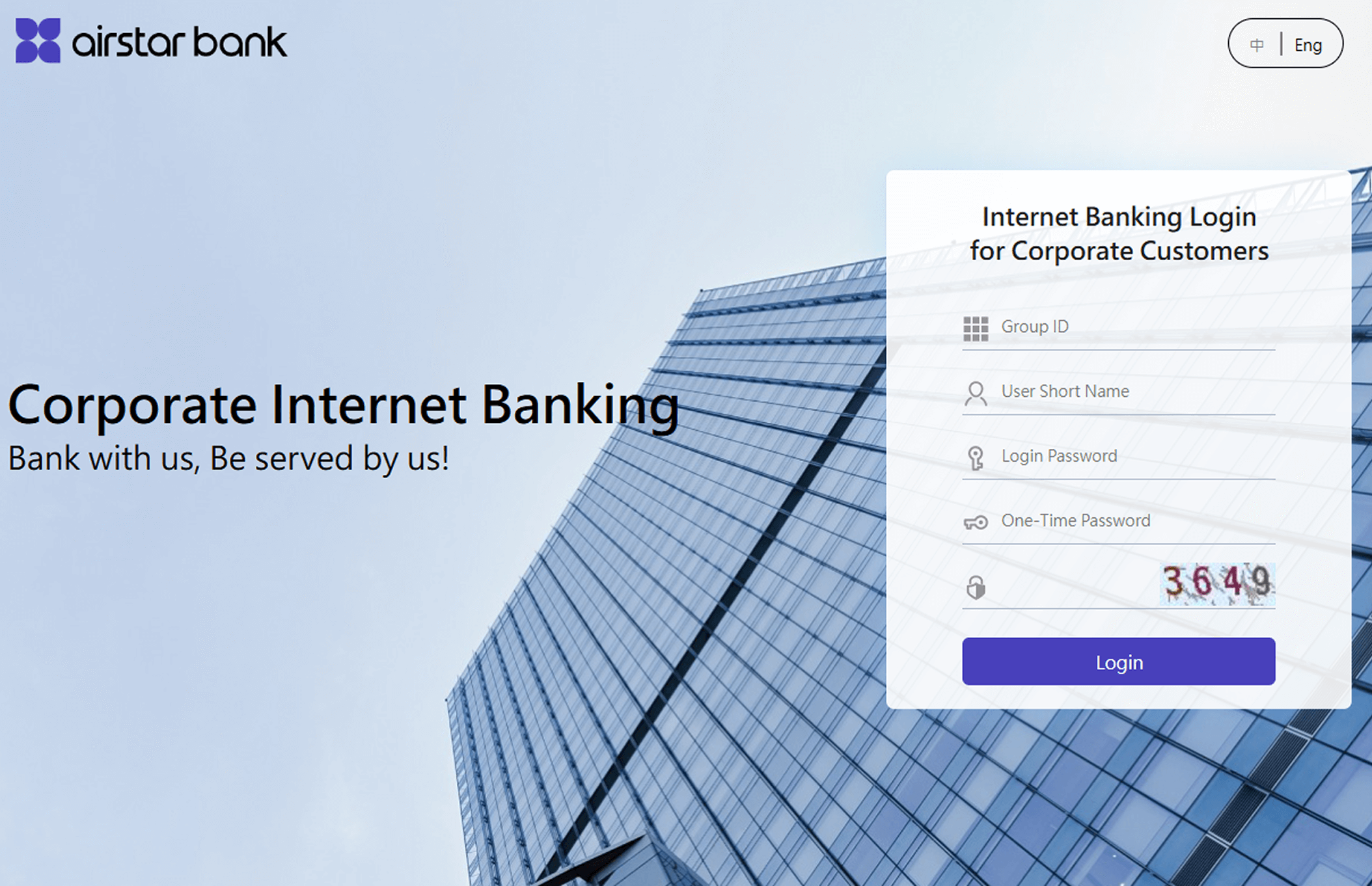
  • Visit the Corporate Internet Banking service website: https://business.airstarbank.com/corporbank/
  • Enter the login information and one-time password generated by soft token
  • Note: After entering incorrect information 5 times, your account will be locked.

Obtain the one-time password